Camera controls matter.
Check the exposure settings and accessories needed for a technique. This is not a dedicated phone-only course.
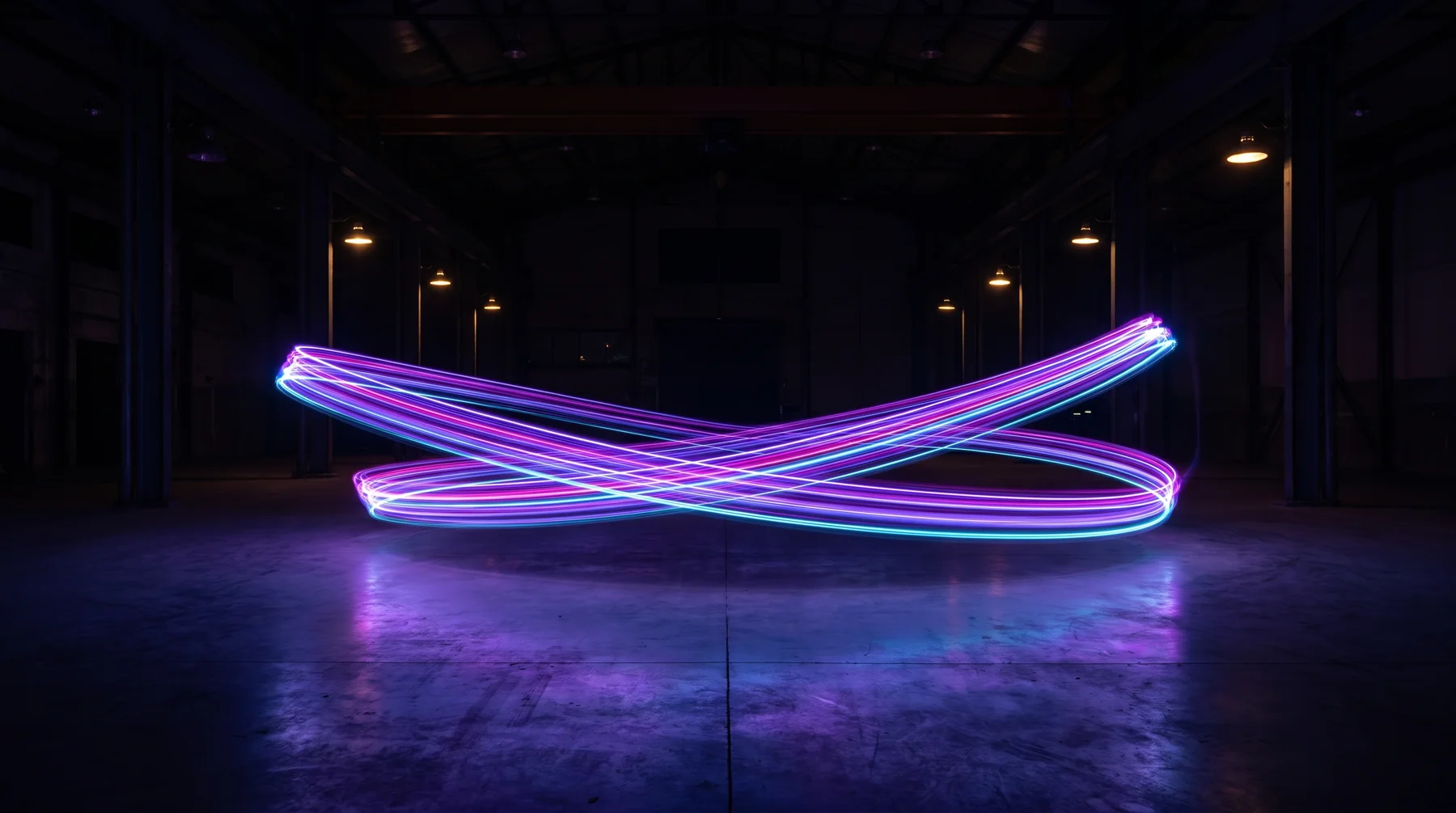
Trick Photography & Special Effects / Ebook + video
Your camera can be a place to experiment. Discover techniques that turn timing, perspective and a moving light into the subject of your next shoot.
See the creative photography guide (opens seller website in a new tab)Independent affiliate page for Trick Photography & Special Effects. We may earn a commission when you buy through our links. Disclosure.
Give the next shoot a direction
Change the exposure. Move the light. Choose a viewpoint that changes the relationship between objects.
Trick Photography & Special Effects brings photographic and editing ideas together so you can pick a technique, understand the setup and try it with your own equipment.
Choose your next experiment
THE TECHNIQUE LABOriginal conceptual illustrations. These are not course screenshots or student results.
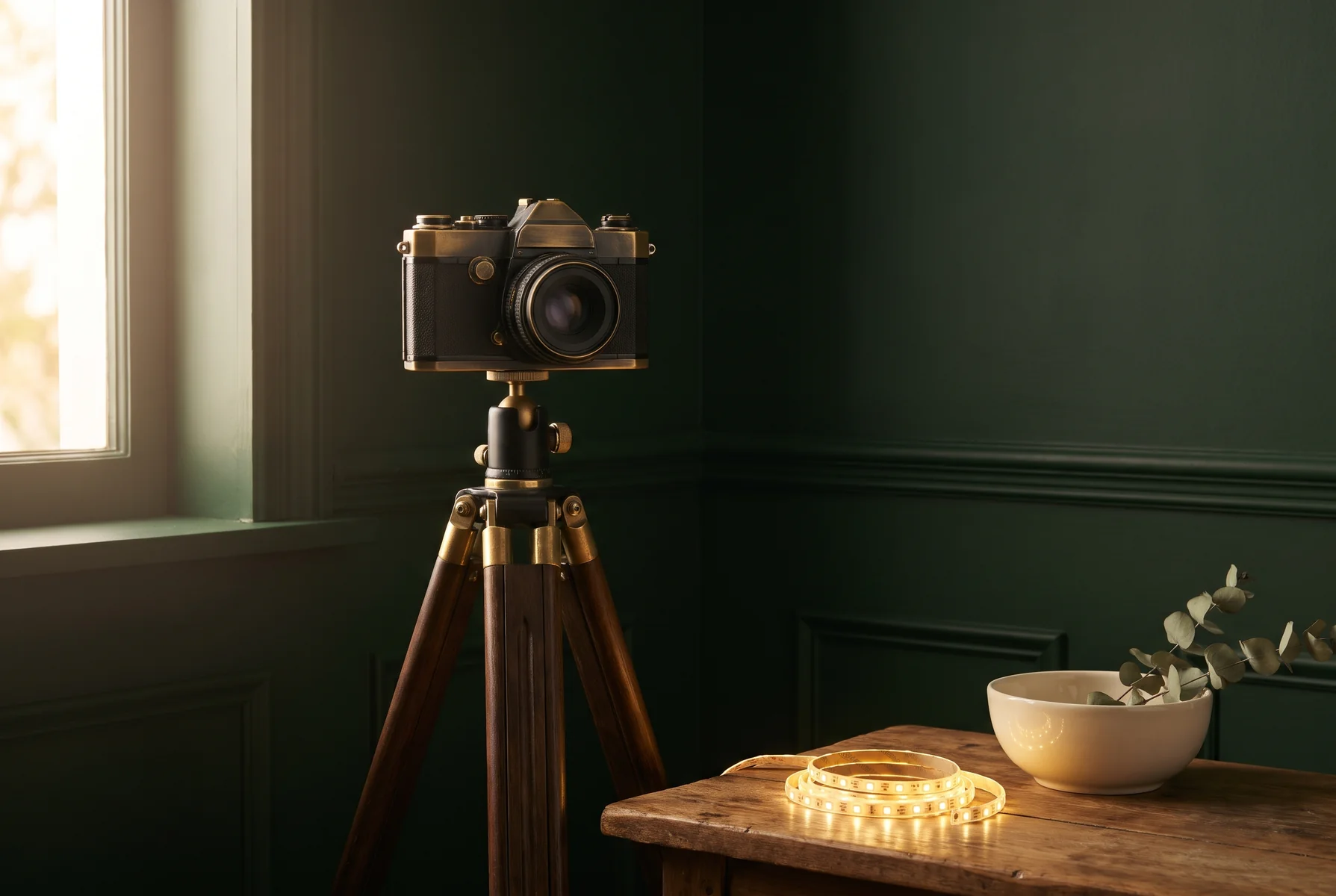 START WITH THE CAMERA.
Shooting + post-production
Some ideas come from the shutter speed or where you stand. Others continue after the photograph is taken.
The guide covers both sides: light painting, night and motion ideas, perspective experiments and image-editing techniques.
Explore the techniques & offer (opens seller website in a new tab)An idea for the next time you take the camera out
Use the ebook and video material to choose an experiment. Then review what your camera, accessories and software need to do.
See the ebook & video package (opens seller website in a new tab)Bring your curiosity and your equipment
Check the exposure settings and accessories needed for a technique. This is not a dedicated phone-only course.
Some lessons use older Photoshop or Photoshop Elements interfaces. Buy for the ideas, with that context in mind.
Camera, tripod, lights, props, software and a printed book are not included in this digital offer.
Clear answers to help you choose the right resource for your project.
No. The guide covers both in-camera techniques and post-production. Light painting and perspective experiments involve how you shoot, while other effects use editing. Check the requirements for the particular technique before setting up.
No. It is about photographic techniques and image editing. The experiments are based on using a camera, arranging a scene or manipulating photographs, rather than creating images from generative AI prompts.
The published material includes demonstrations from older Photoshop and Photoshop Elements versions. Concepts may still be useful, but menus, tools and interfaces can differ; this should not be purchased as current-version software training.
Do not assume so. Some ideas may transfer, but techniques can require manual exposure control, long shutter times, accessories or editing tools. It is not presented as a dedicated phone photography course.
This offer is for digital instructional material, including an ebook and video content. A camera, tripod, lighting, props, software and printed book are not supplied through this page.
Compare the listed techniques with your camera controls, available equipment and editing software. Visit the seller's current page to confirm the package, digital access, price and purchase terms.
Explore the current Trick Photography & Special Effects package and purchase details on the seller’s website.
See the creative photography guide (opens seller website in a new tab)Continue to Trick Photography & Special Effects for the current price, package and purchase terms.
Independent affiliate page for Trick Photography & Special Effects. We may earn a commission when you buy through our links. Disclosure.
Product information checked 2026-10-30. Images and diagrams are illustrative; they are not course samples or student results. This page describes the provider’s published offer, not a first-hand course review.
Product information (opens in a new tab) · Provider reference (opens in a new tab)